
About ClearCue
Timing and utility tools for audio and video
What ClearCue Is
ClearCue gives you frame-accurate timing guides you can place directly into your edit.
Instead of guessing or nudging cuts into place, you start with timing already defined.
Most tools control image and sound.
ClearCue gives you control over when things happen.
The Problem
In most editing workflows, timing is indirect.
Editors rely on:
waveforms (amplitude, not structure)
intuition
trial and error
This works, but it is inconsistent and difficult to repeat.
You can’t see pacing before you start cutting.
The Approach
You define timing first. Then you cut.
tempo (how fast things move)
meter (how cuts are grouped)
spacing (distance between cuts)
pattern (how timing evolves)
This structure becomes a guide for:
cuts
motion
transitions
The result is more consistent, controlled, and repeatable editing.
What We Build
ClearCue consists of four parts:
Timing Kits
(prebuilt, immediate use)
The Engine
(custom control)
Design your own:
tempos
meters
pacing systems
Rendered as video-based guides or MIDI.
Midi Modules
Modular timing patterns exported as MIDI.
These modules translate ClearCue timing structures into MIDI data, allowing the same systems to be applied inside DAWs and music workflows.
Use them to:
drive rhythm and sequencing
align music with visual timing
prototype pacing before editing
Each module is built from a specific timing pattern and can be used independently or combined with other structures.
Audio Mixing Utilities
Simple tools for managing balance and clarity in audio.
These utilities focus on practical relationships such as:
dialogue vs music levels
loudness consistency
mix clarity
They provide quick reference and feedback during editing and mixing, without requiring complex metering setups.
Designed to support clean, usable audio in video and music workflows.
How It Works
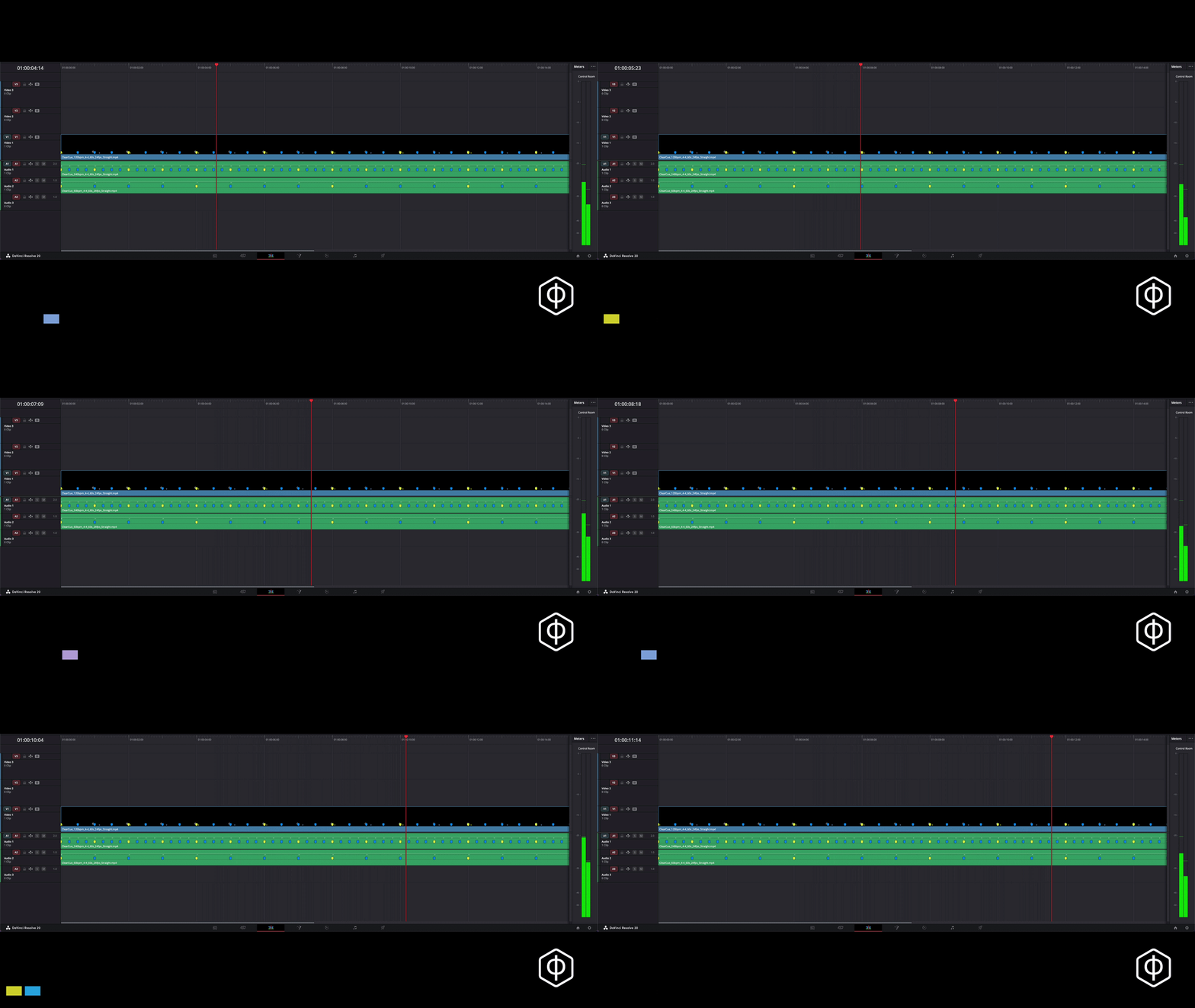
ClearCue generates timing as a visual layer.
You drop a guide into your timeline and cut against it.
In DaVinci Resolve, markers are embedded directly.
In other editors, timing can be followed using audio transients.
What It Is Not
ClearCue is not:
an AI assistant
an automation tool
a preset library
It does not make decisions for you.
It gives you a structure to work within.
Why This Matters
Editing is the arrangement of events in time.
Without a visible structure, timing remains implicit.
ClearCue makes it explicit.
Where this is going
ClearCue is being developed as a set of tools for designing structure across:
video
music
motion
The goal is not to automate creativity, but to support it with clear, usable systems.
Contact ClearCue
For general enquiries, partnerships, or questions about ClearCue.