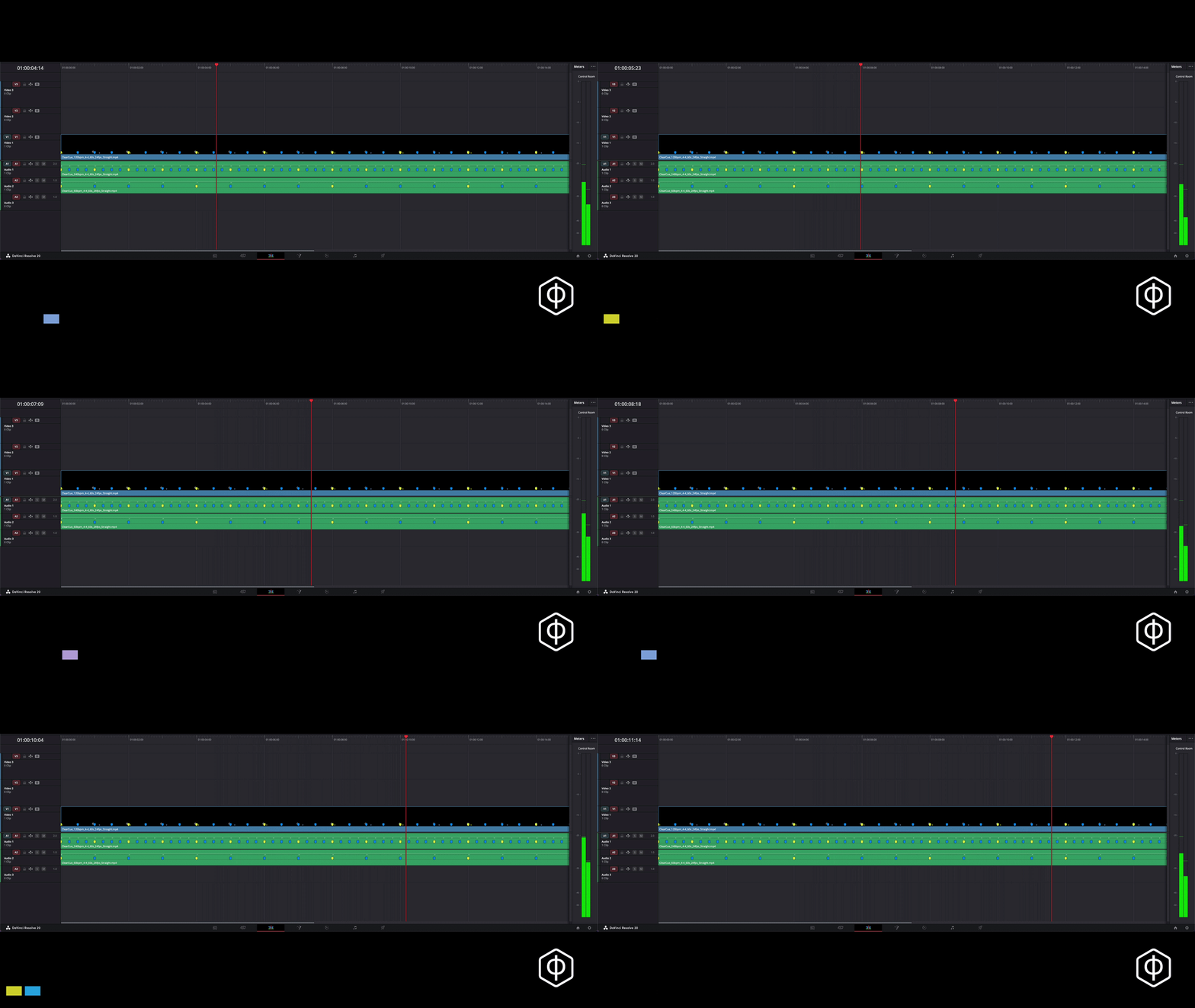
Markers. Already done.
Frame-accurate markers for your timeline
Free. Takes seconds.
Still nudging clips frame by frame?
You don’t have to anymore
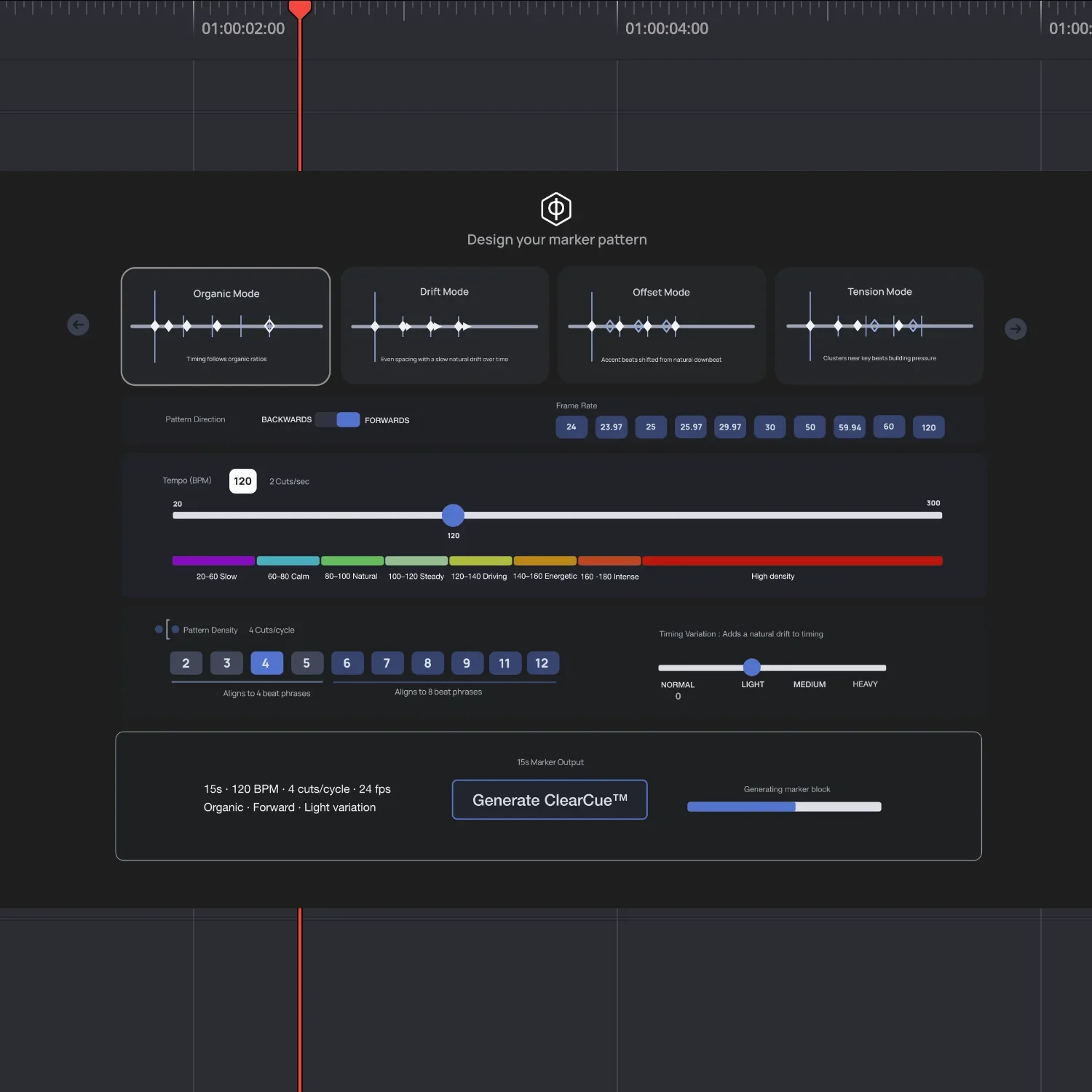
Design your own marker patterns
Use marker patterns as building blocks like ‘LEGO’.
Stack patterns directly in your timeline
Test and adjust in real time
Keep what works. Remove what doesn’t
No planning. No guesswork.
The frame-accurate markers are video files; they can be cut, saved, copied, and stacked. No AI anywhere!

Clean, frame-accurate markers for DaVinci Resolve
Create marker patterns that make your cuts land
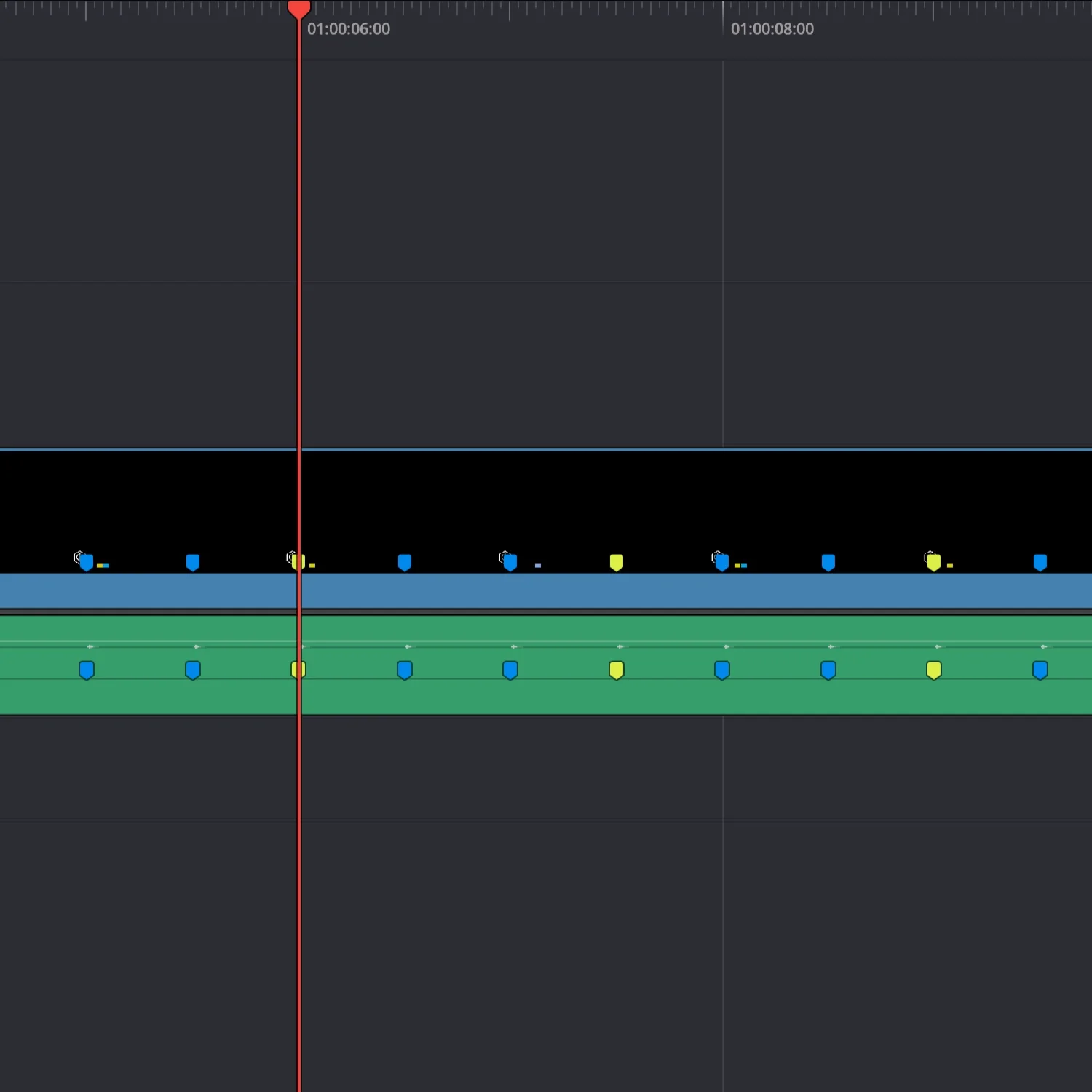
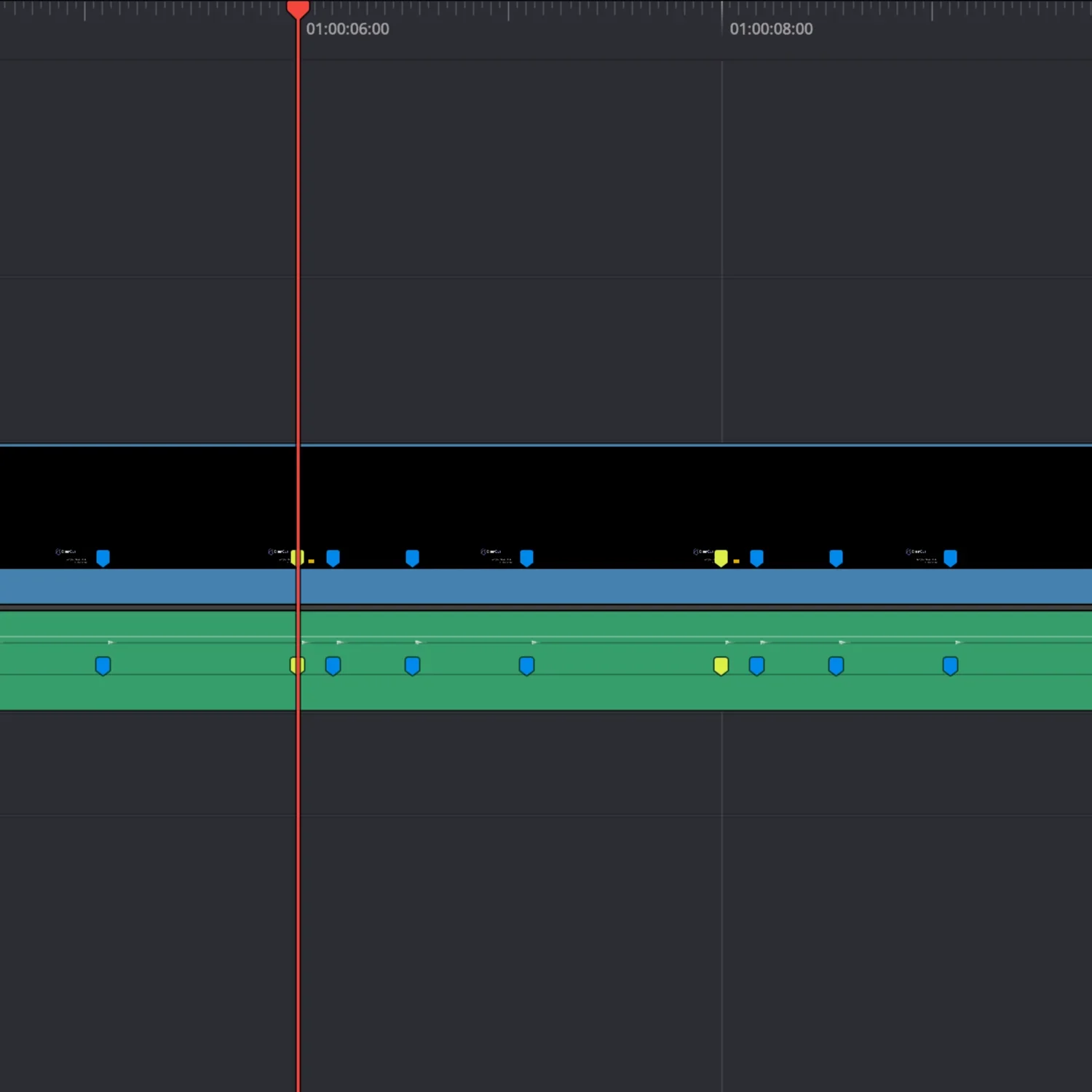
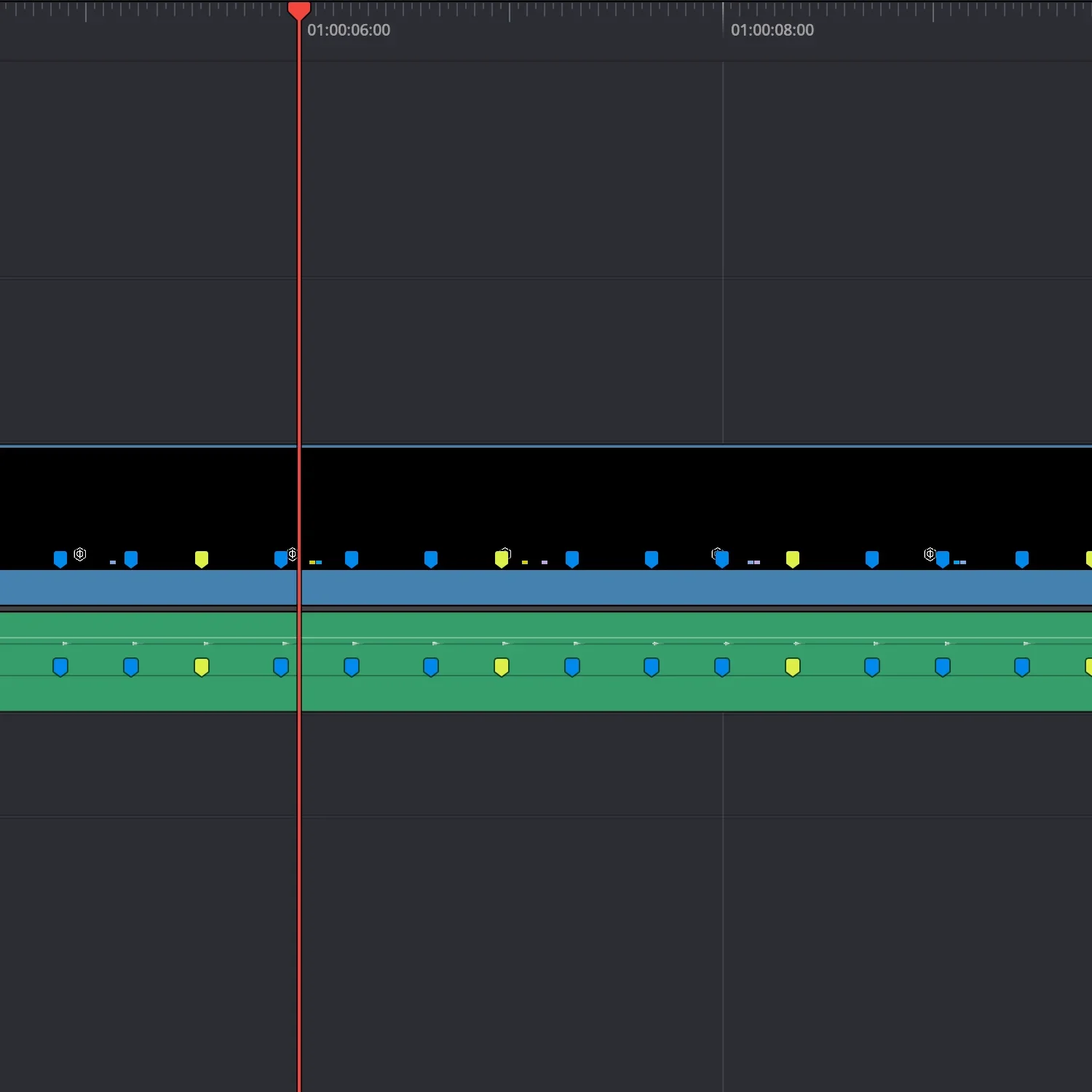
Marker Patterns
ODD METER
FIBONACCI
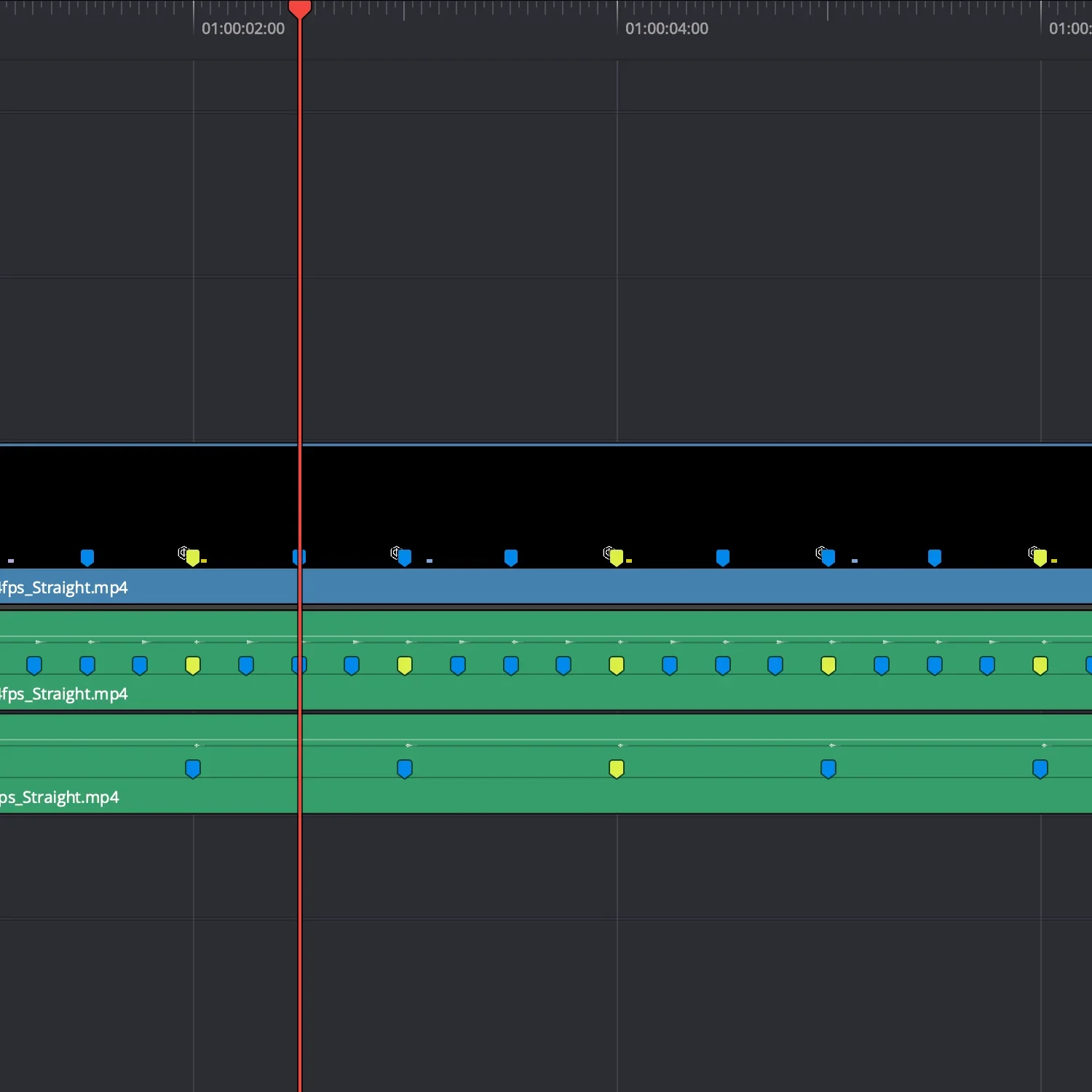
STRAIGHT
WHY EDITING TAKES SO LONG
You make a cut. Move it. Watch it. Move it again.
Over and over…

Moving cuts back and forth
You keep adjusting the cut, trying to land it.

Guessing off the waveform
You’re lining things up by eye, hoping it lands right.

You drop markers manually
Close… but not quite. So you adjust them again.
There’s a faster way to do this.
See it in action
Cut where the markers hit. No guessing.
EDIT FASTER. ADJUST LESS.
You stop second-guessing your cuts
Place it once. Move on.

Cuts land first time
You don’t need to keep adjusting to get it right.

No more guessing
You follow the markers instead of eyeballing it.

Change things easily
Swap music or clips without reworking everything.
Start with a clean base
Your edit already has a guide to follow

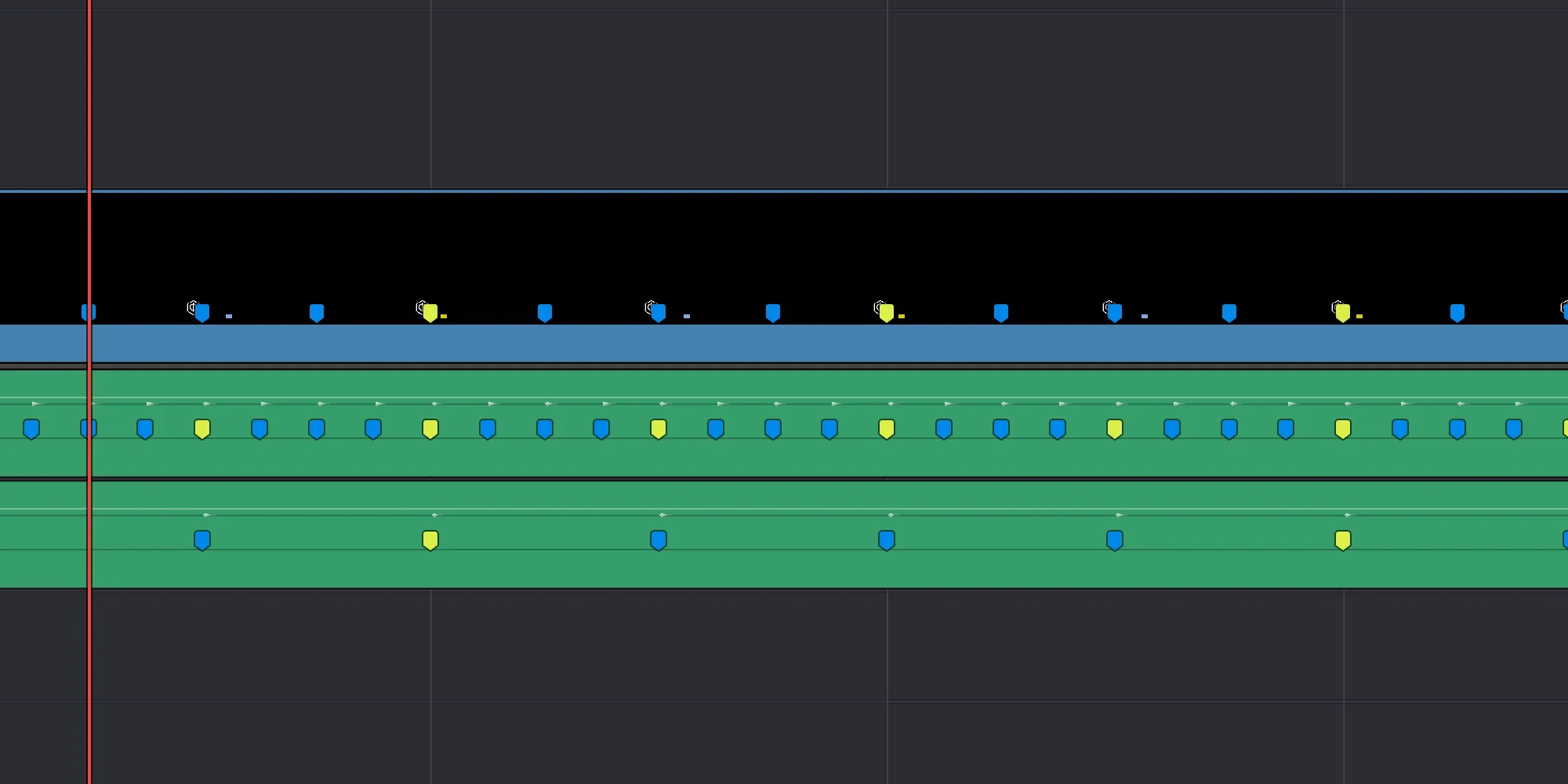
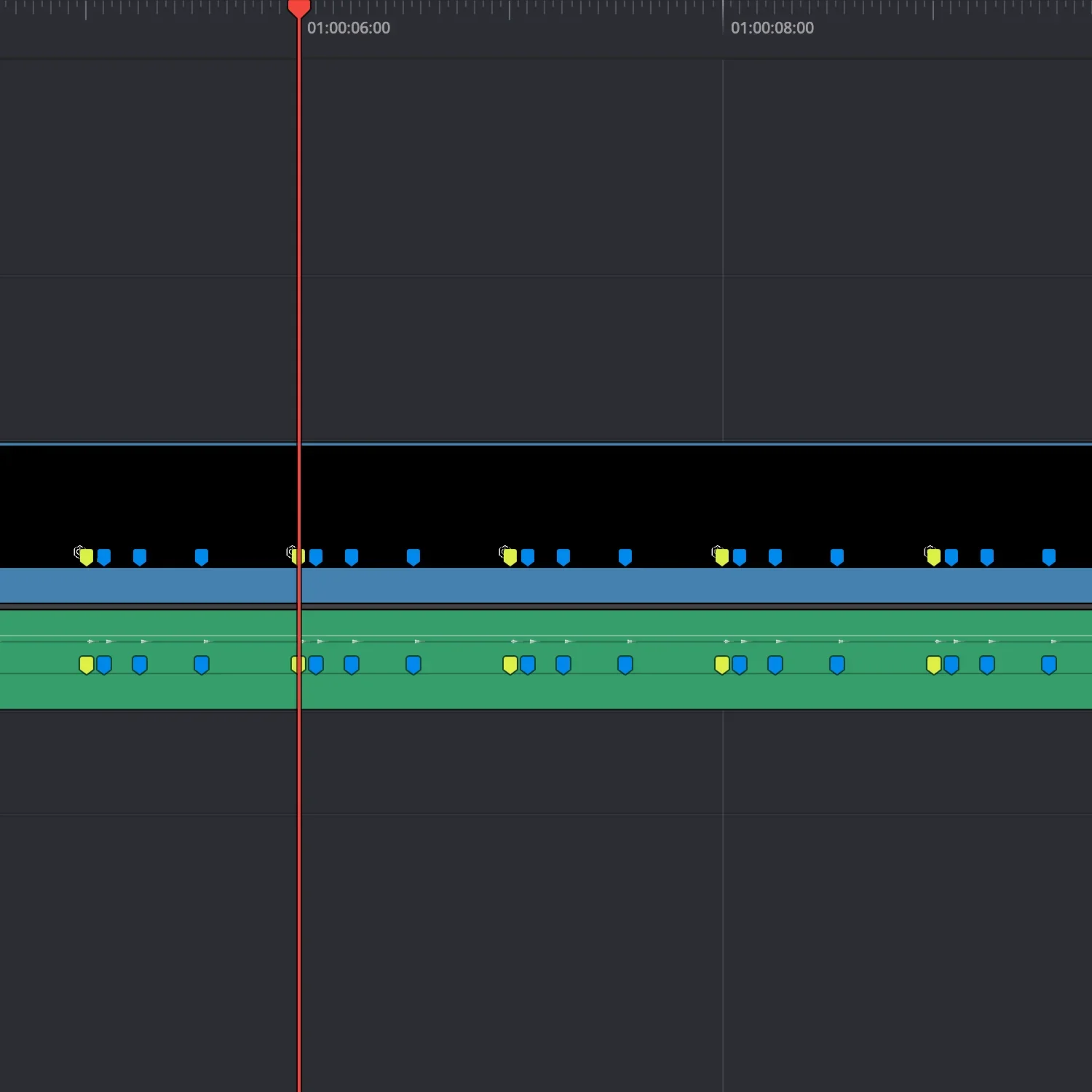
Markers across your edit. This is what you’re cutting to.
Different timing structures for different pacing
Marker Patterns
ODD METER
FIBONACCI
STRAIGHT
ABOUT CLEARCUE

ClearCue builds tools for working with timing in video.
Built between North Wales and the Himalayas.
Audio, software, and editing, focused on one thing: timing.