 Image 1 of 1
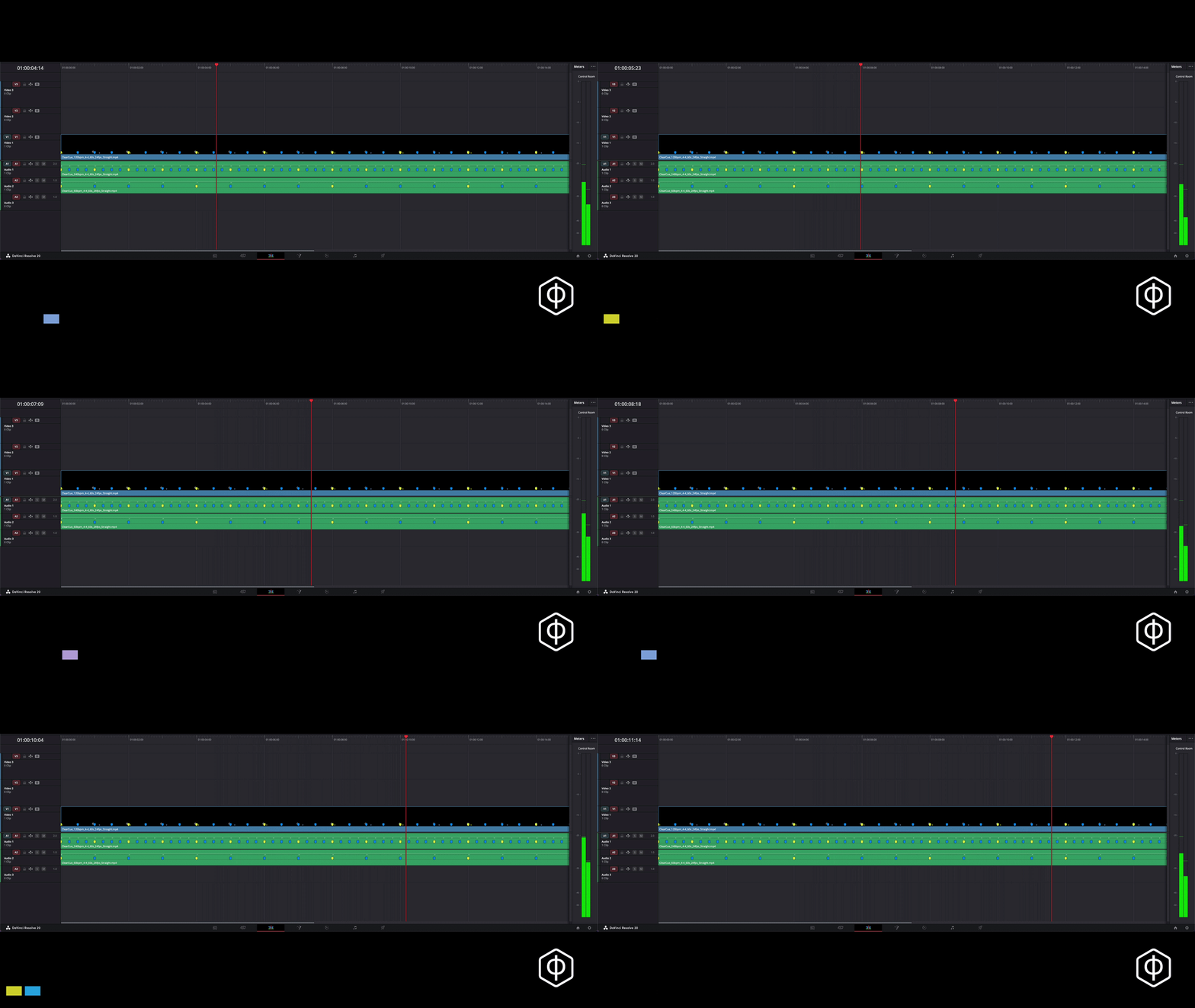
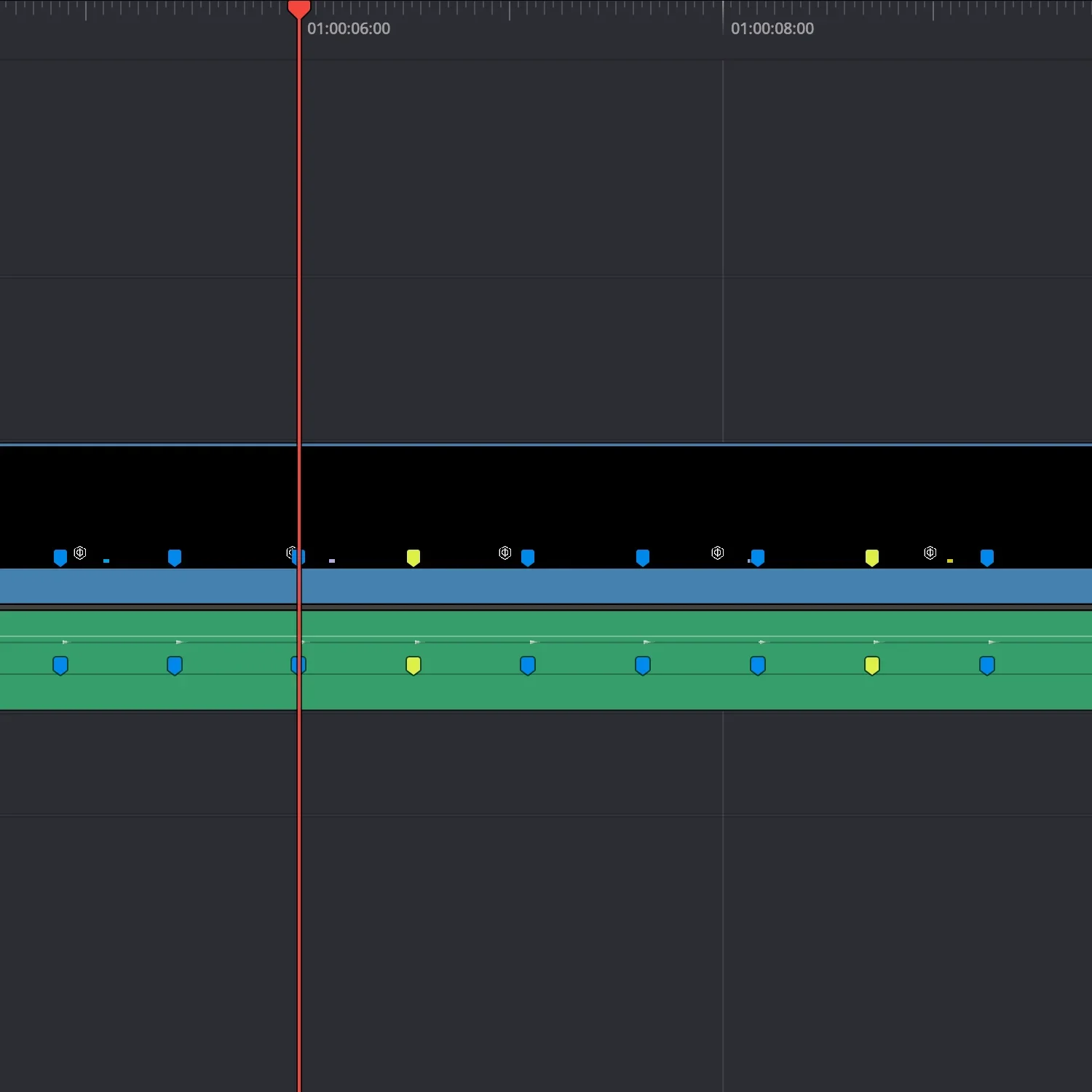
See how cuts snap into place
Use it to cut to or against. First pass, everything is structured. Second pass, break the structure to add identity.
Drop the marker files onto your timeline and start cutting.
No nudging. No guessing. Just cut on the markers.
-
Each guide is a frame-accurate timing layer generated by the ClearCue engine.
Place it in your timeline and cut to the pulses.
Works in any editor that supports video layers.
-
Straight timing guides (4/4)
BPM options: 70 / 80 / 90 / 100 / 110 / 130 / 140 / 150 / 160 / 172 BPM
Frame rates: 24 / 25 / 30 / 60 fps
Quick start guide
-
Music-driven edits
Dialogue pacing
Clean rhythmic cutting
Base timing structure
-
In DaVinci Resolve, markers are embedded directly.
In other editors, align cuts to the guide’s pulses.
Works with:
DaVinci Resolve (recommended)
Premiere Pro
Final Cut Pro
CapCut
About ClearCue Markers:
These are frame-accurate marker structures you can use immediately.
Built for speed - no manual marker placement.
No setup. No adjustment.
More control?
Build your own marker patterns with the ClearCue Engine.